
K12 Movie Guides
Crash Course Computer Science Complete Full Curriculum | 10 Weeks
Crash Course Computer Science Complete Full Curriculum | 10 Weeks
Couldn't load pickup availability
Classroom Use at a Glance
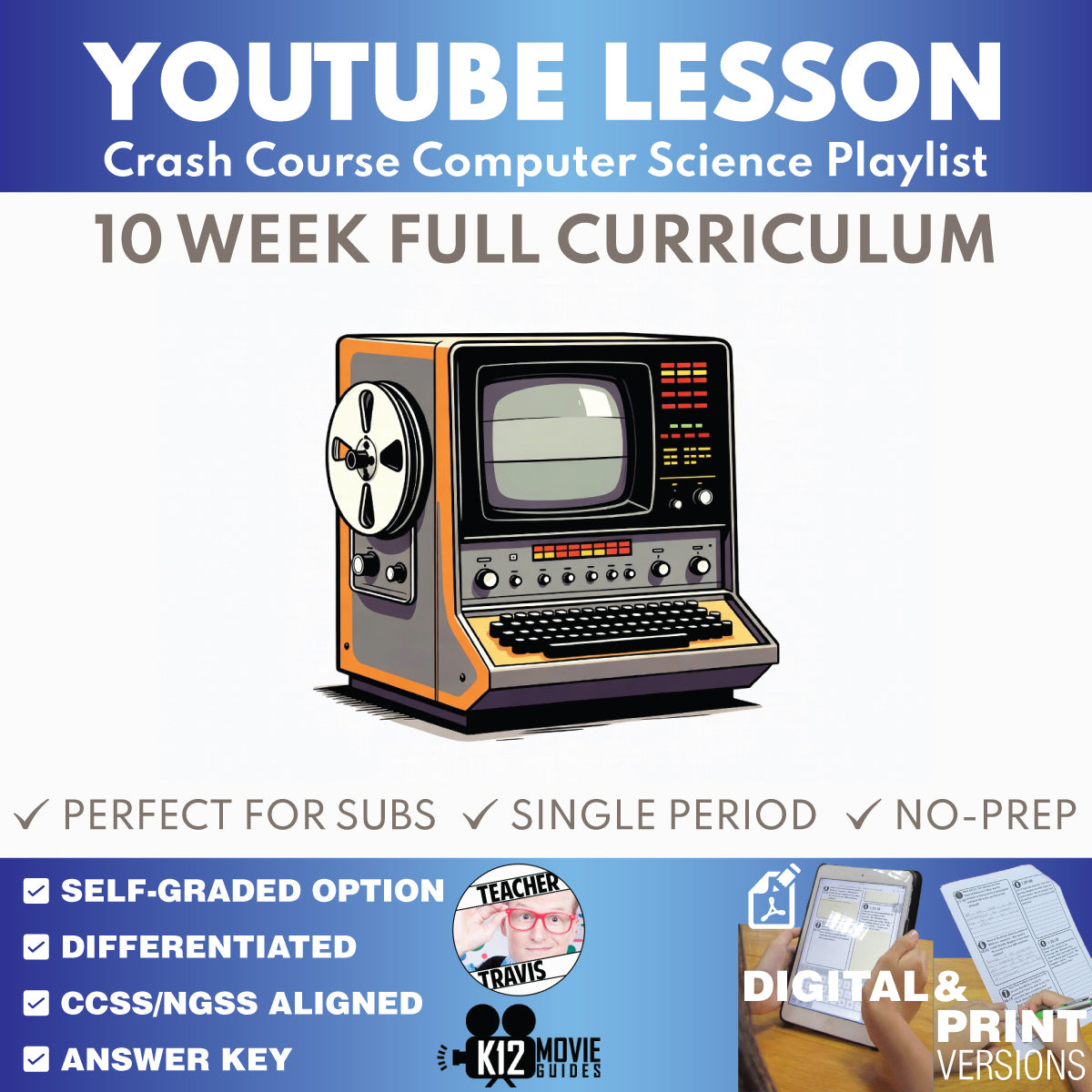
Complete 10-week Crash Course Computer Science curriculum for grades 9–12 with 40 episode lesson sets, 9 weekly assessments, 3 unit assessments, a cumulative final, Educator Planning Guide, Student Syllabus, answer keys, and print/digital classroom support.
- Resource type
- Full Curriculum Bundle
- Grade band
- Grades 9–12
- Rating
- Not Rated
- Time required
- 10-Week Curriculum; Flexible Pacing
- Prep level
- Curriculum Planning
- Subject
- Science
- Classroom use
- Full Curriculum Video-Based Instruction Assessment Review Google Classroom Assignment Flexible Pacing
- Includes
- Teacher Guides Student Worksheets Answer Keys Weekly Assessments Unit Assessments Final Assessment Educator Planning Guide Student Syllabus Google Forms Quiz Google Slides Printable PDFs Start Here PDF
- Tech format
- Printable PDF Google Docs Google Slides PowerPoint/PPTX Google Forms Google Classroom Ready ZIP File
Teach the complete Crash Course Computer Science sequence with one organized 10-week supplemental curriculum.
Preview the curriculum plan first!
FREE DOWNLOAD - Crash Course Computer Science Full Curriculum Educator Planning Guide
This grades 9-12 computer science resource brings together all 40 individual Crash Course Computer Science episode lesson sets plus the curriculum-only assessment and planning system built around them: nine weekly assessments, three unit assessments, one cumulative Final Assessment, an Educator Planning Guide, and a Student Syllabus.
Try one before you buy the full curriculum: Download the free sample lesson, #1 Early Computing - Crash Course Computer Science. It uses the same episode-level lesson structure included throughout the complete curriculum.
The course is designed to move students beyond passive video watching. Across the 40 episode lessons, students build explanations about computing history, binary representation, logic, computer hardware, programming, algorithms, data structures, operating systems, storage, graphics, human-computer interfaces, networks, the Internet and Web, cybersecurity, cryptography, artificial intelligence, robotics, educational technology, and the future of computing.
What's Included
- 40 individual Crash Course Computer Science episode lesson sets
- Teacher Guide for every episode
- Digital Student Worksheet for every episode
- Print-friendly Student Worksheet for every episode
- Self-graded Google Forms multiple-choice quiz for every episode
- Multiple Choice Quiz Print version for every episode
- Episode vocabulary, four chronological time-stamped A/B questions, two end-of-video A/B synthesis questions, answer keys, and model-answer support
- 9 weekly assessment sets: W01-W09
- 3 cumulative unit assessment sets: U01-U03
- 1 cumulative Final Assessment covering the complete #01-#40 commercial sequence
- Digital Student Assessment and print Student Assessment versions for weekly, unit, and final assessments
- Self-graded Google Forms and MC Quiz Print versions for weekly, unit, and final assessments
- Full Curriculum Educator Planning Guide
- Student Syllabus
- Print and digital classroom-use options
10-Week Course Structure
- Unit 1 | Weeks 1-3 | Commercial Sequence #01-#12: Foundations of Computation & Programming - early computing, electronic computing, Boolean logic, binary representation, computer arithmetic, memory, CPU architecture, instructions, processor design, early programming, programming languages, and programming basics.
- Unit 2 | Weeks 4-6 | Commercial Sequence #13-#24: Algorithms, Software & Computer Systems - algorithms, data structures, computability and Alan Turing, software engineering, integrated circuits, operating systems, storage, file systems, compression, input interfaces, 2D graphics, and the historical shift toward consumer computing.
- Unit 3 | Weeks 7-10 | Commercial Sequence #25-#40: Personal, Networked & Intelligent Computing - personal computers, graphical user interfaces, 3D graphics, networks, the Internet, the Web, cybersecurity, cryptography, artificial intelligence, computer vision, natural language processing, robotics, human factors, educational technology, and future-computing questions.
Week 10: Days 1-4 contain Episodes #37-#40. Day 5 is the cumulative Final Assessment. There is intentionally no separate Week 10 weekly assessment.
Assessment System
The assessment banks are intentionally larger than a single class period so teachers can assign the full bank or select the components that fit their schedule.
- Weekly Assessments W01-W09: 12 vocabulary terms, 10 A/B written-response questions, and 30 multiple-choice questions per weekly bank.
- Unit Assessments U01-U03: 15 vocabulary terms, 12 A/B written-response questions, and 40 multiple-choice questions per unit bank.
- Cumulative Final: 20 vocabulary terms, 15 A/B written-response questions, and 60 multiple-choice questions.
Weekly assessments check the ideas taught within that week. Unit assessments connect ideas across multiple weeks. The cumulative Final emphasizes durable computer-science understanding across the course rather than asking students to memorize one isolated fact from every video.
What Students Practice
- Using specific evidence to explain a technical idea or computing system
- Explaining how hardware and software components work together
- Using binary, logic, programming, networking, cybersecurity, and AI vocabulary accurately in context
- Tracing cause-and-effect relationships across major developments in computing history
- Comparing algorithms, data structures, interfaces, networks, and security approaches
- Explaining how information is represented, stored, compressed, transmitted, and protected
- Connecting artificial-intelligence techniques to computer vision, language processing, and robotics
- Evaluating how computing technologies affect people, learning, work, and society
Flexible Classroom Use
The curriculum can support a regular 10-week supplemental computer science sequence, a teacher-designed introductory computing course component, credit recovery, summer school, intervention, enrichment, long-term substitute coverage, make-up work, or a compressed review program. The Educator Planning Guide includes regular-year pacing and compressed-use guidance.
Daily episode Teacher Guides are item-rich by design. Teachers do not need to assign every question from every lesson. The same flexibility applies to weekly, unit, and final assessment banks.
Print and Digital Options
- Google Forms self-graded multiple-choice quizzes
- Digital Student Worksheets and Student Assessments
- Print-friendly Student Worksheets and Student Assessments
- Multiple Choice Quiz Print versions
- Teacher Guides with answer keys and instructional support
New Optional Video Companion (used with YouTube)
Use the free Classroom Video Guide Companion Chrome extension with this lesson to automatically pause the video at question timestamps and display prompts during viewing. This optional tool can make whole-class, small-group, and independent video lessons easier to facilitate, but the resource works normally without it.
Prefer an Episode-Only Bundle?
The four episode-only products contain the individual episode lesson ecosystem without the weekly, unit, final, Educator Planning Guide, or Student Syllabus layer:
- Crash Course Computer Science #1-#10 Video Lesson Set | Computing Foundations & Early Programming
- Crash Course Computer Science #11-#20 Video Lesson Set | Programming, Algorithms & Computer Systems
- Crash Course Computer Science #21-#30 Video Lesson Set | Data, Interfaces, Graphics & Networks
- Crash Course Computer Science #31-#40 Video Lesson Set | Cybersecurity, AI, Robotics & Future Computing
Frequently Asked Questions
Are the Crash Course videos included?
No. This product provides independent, educator-created classroom materials designed for use with publicly available Crash Course Computer Science videos. Teachers and students access the videos separately and should follow school, district, and platform policies.
Does this include all 40 individual episode lesson sets?
Yes. The Full Curriculum includes all four 10-episode bundle sets covering the complete 40-guide commercial sequence, plus the weekly, unit, and final assessment system and the curriculum planning materials.
Can I use this with Google Classroom?
Yes. The resource includes Google-native digital materials, including Student Worksheets/Assessments and self-graded Google Forms quiz support, along with print-friendly alternatives.
Can I print the materials?
Yes. Print Student Worksheet/Assessment versions and Multiple Choice Quiz Print versions are included for paper-based classrooms.
Do I have to give every weekly and unit assessment?
No. The assessment files are flexible item banks. Unit assessments can replace a boundary-week assessment, be split across multiple days, provide cumulative review, or serve as retake/intervention banks. The cumulative Final is specifically assigned to Week 10 Day 5 in the standard pacing.
Can this work for summer school, credit recovery, or long-term substitute plans?
Yes. The complete episode sequence, Teacher Guides, student materials, assessment banks, planning guide, and syllabus support regular classroom instruction as well as compressed programs, extended independent work, intervention, credit recovery, and long-term substitute coverage.
Does this replace a district's complete computer science curriculum?
This is a structured supplemental computer science curriculum built around the Crash Course Computer Science video sequence. Teachers should adapt pacing, projects, coding practice, lab work, assessment use, and standards alignment to their local curriculum, course expectations, and school policies.
Is this an official Crash Course product?
No. This independent educator-created resource is not affiliated with, endorsed by, sponsored by, or authorized by Crash Course, Complexly, YouTube, or related rights holders. Video and playlist titles are used only to identify the publicly accessible material studied. No Crash Course video clips, screenshots, thumbnails, logos, or transcript files are included or redistributed.
Share