
K12 Movie Guides
Crash Course Computer Science #31-#40 Video Lesson Set | Cybersecurity, AI, Robotics & Future Computing
Crash Course Computer Science #31-#40 Video Lesson Set | Cybersecurity, AI, Robotics & Future Computing
Couldn't load pickup availability
Classroom Use at a Glance
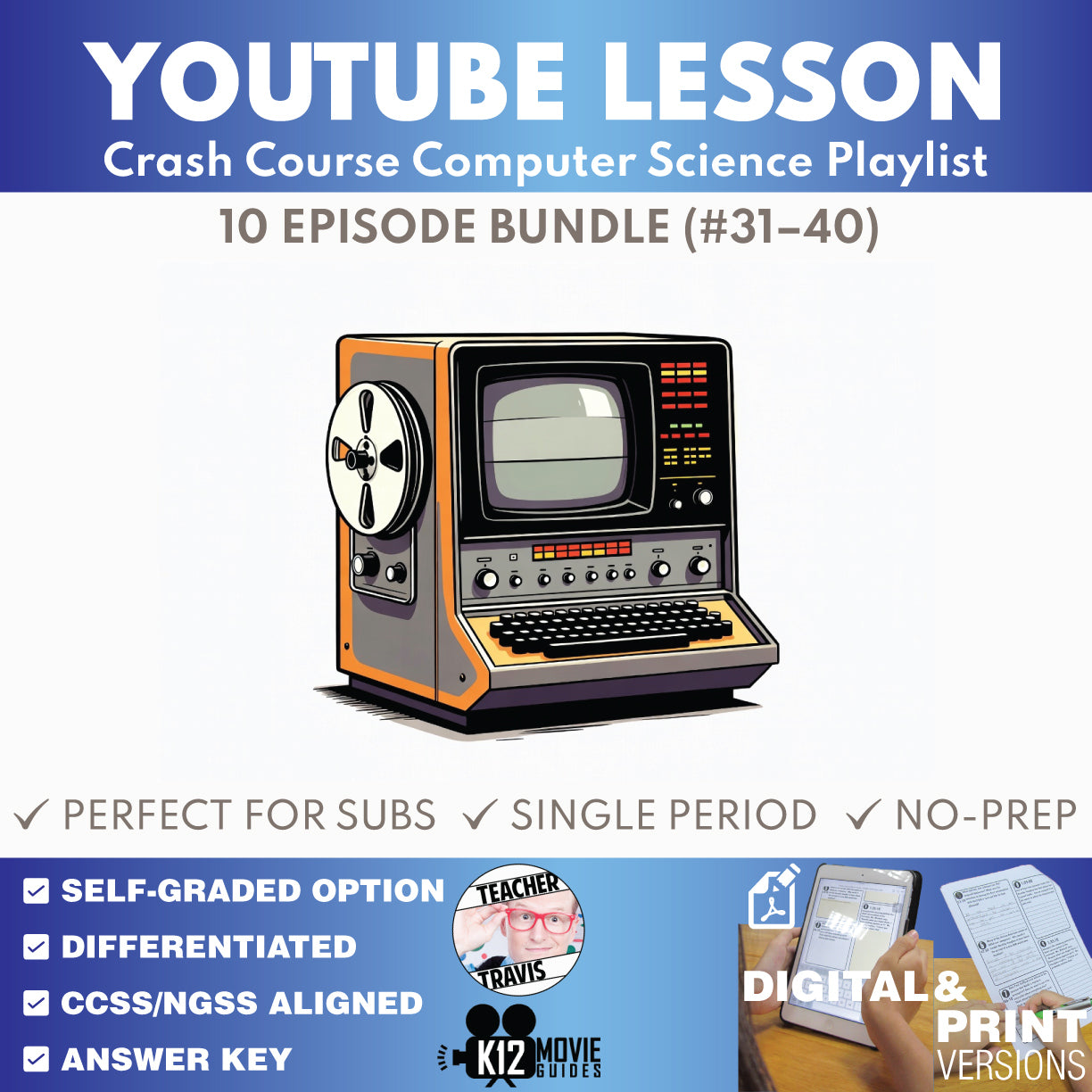
10 ready-to-use Crash Course Computer Science episode lessons for grades 9–12 focused on cybersecurity, ai, robotics & future computing, with teacher guides, student worksheets, answer keys, self-graded Google Forms quizzes, and print/digital options.
- Resource type
- YouTube Video Lesson Bundle
- Grade band
- Grades 9–12
- Rating
- Not Rated
- Time required
- Flexible: 20–45 Minutes per Episode
- Prep level
- No Prep
- Subject
- Science
- Classroom use
- Sub Plans Review Whole-Class Instruction Flipped Classroom Independent Work
- Includes
- Teacher Guide Student Worksheet Answer Key Google Forms Quiz Google Slides/PPTX Start Here PDF
- Tech format
- PDF Google Slides Google Forms Google Docs PPTX
Make computer science easier to teach with this no-prep 10-episode YouTube video lesson set for Crash Course Computer Science. This bundle gives students a structured way to follow fast-paced computing videos with vocabulary support, chronological written-response questions, end-of-video synthesis, multiple-choice review, and teacher-ready answer keys.
FREE CURRICULUM SNEAK PEEK: Download the free Crash Course Computer Science Full Curriculum Educator Planning Guide to preview the complete 10-week pacing, 3-unit structure, weekly/unit/final assessment rhythm, Week 10 final-assessment plan, and implementation guidance.
This 10-episode set focuses on cybersecurity, cyber attacks, cryptography, machine learning and artificial intelligence, computer vision, natural language processing, robotics, psychology of computing, educational technology, and future-computing questions. Each lesson helps students explain computing systems and concepts using specific evidence from the episode rather than passively watching the video.
Use these lessons for whole-class video instruction, sub plans, review, flipped classroom assignments, enrichment, make-up work, or independent study. Each episode is designed to reduce prep time while keeping students accountable for vocabulary, written reasoning, and conceptual understanding.
Try one before you buy a bundle: Start with the free sample lesson, #1 Early Computing - Crash Course Computer Science.
Want the complete 40-episode curriculum? This product is part of the Crash Course Computer Science Complete Full Curriculum, which adds all four episode bundles, W01-W09 weekly assessments, U01-U03 unit assessments, a cumulative Final, Educator Planning Guide, and Student Syllabus.
Episodes Included
- #31 Cybersecurity
- #32 Hackers & Cyber Attacks
- #33 Cryptography
- #34 Machine Learning & Artificial Intelligence
- #35 Computer Vision
- #36 Natural Language Processing
- #37 Robots
- #38 Psychology of Computing
- #39 Educational Technology
- #40 The Singularity, Skynet, and the Future of Computing
Classroom Use at a Glance
- Best Fit: grades 9-12 computer science, STEM, technology, computing-history, and introductory computing courses
- Resource Type: YouTube video lesson worksheets, teacher guides, answer keys, and self-grading quizzes
- Prep Level: No-prep digital and printable lesson support
- Teacher Use: whole-class instruction, sub plans, flipped lessons, review, enrichment, make-up work, or independent study
- Time: Flexible use, typically 20-45 minutes per episode depending on how many written-response and discussion components are assigned
Guidance & Summary
- Each lesson is built around one Crash Course Computer Science episode and gives students a structured way to follow the video from beginning to end.
- Four chronological time-stamped A/B questions focus attention on important explanations and examples as they appear in the episode.
- Two end-of-video A/B questions ask students to synthesize ideas after viewing.
- Teacher Guides include learning targets, computing-thinking focus, misconceptions, standards support, discussion prompts, vocabulary, answer keys, and model-answer guidance.
Differentiation Options
- Use the Student Worksheet for guided viewing and written-response accountability.
- Use the 10-question multiple-choice quiz for quick review, formative assessment, Google Forms practice, or absent-student make-up work.
- Assign selected questions for shorter periods or use the full lesson for deeper discussion and explanation.
- Support mixed-ability classrooms with vocabulary preview, replay of difficult sections, partner discussion, or selected answer-key review.
What's Included
- 10 Teacher Guides for Crash Course Computer Science
- 10 digital Student Worksheet sets
- 10 print-friendly Student Worksheet sets
- 10 self-graded Google Forms multiple-choice quizzes
- 10 Multiple Choice Quiz Print versions
- Teacher answer keys and model-answer support
- 5 vocabulary terms, 4 chronological time-stamped A/B questions, 2 end-of-video A/B synthesis questions, and a 10-question MC quiz per episode
- Start Here PDF with shared-folder access instructions after purchase
Flexible Lesson Pacing
- Quick Use: Assign the video with the multiple-choice quiz for a short review, sub plan, or independent check for understanding.
- Standard Lesson: Use the guided worksheet during viewing, then review selected questions as a class.
- Extended Lesson: Add vocabulary preview, discussion prompts, written response, and comparison across episodes or computing concepts.
Skills Addressed
- Explaining core cybersecurity and cryptography concepts
- Distinguishing major artificial-intelligence approaches and applications
- Connecting computer vision, language processing, and robotics to real-world systems
- Evaluating how computing technologies affect people, learning, and society
- Using specific evidence from an explanatory video to support a concise technical explanation
- Using computer-science vocabulary accurately in context
Frequently Asked Questions
Are the Crash Course videos included?
No. Videos are not included. This product provides classroom-ready materials designed for use with the publicly available Crash Course Computer Science videos.
Can I use this for sub plans?
Yes. Each lesson is structured so students can watch the video and complete guided questions or a quiz with minimal teacher preparation.
Can I use this with Google Classroom?
Yes. The workflow includes Google-native student materials and self-graded Google Forms quiz support, along with printable options.
What grade levels is this best for?
This resource is designed for grades 9-12 computer science, STEM, technology, and introductory computing courses.
Does this bundle include the weekly, unit, and final assessments?
No. This is an episode-only bundle. The separate Complete Full Curriculum includes all four 10-episode bundles plus W01-W09 weekly assessments, U01-U03 unit assessments, the cumulative Final, Educator Planning Guide, and Student Syllabus.
Is this an official Crash Course product?
No. This independent educator-created resource is not affiliated with or endorsed by Crash Course or Complexly. It provides teacher-created classroom materials designed for use with publicly available Crash Course videos.
Need other Crash Course or YouTube-ready lessons? Browse the K12 Movie Guides digital library.
Share