
K12 Movie Guides
Crash Course Computer Science #11-#20 Video Lesson Set | Programming, Algorithms & Computer Systems
Crash Course Computer Science #11-#20 Video Lesson Set | Programming, Algorithms & Computer Systems
Couldn't load pickup availability
Classroom Use at a Glance
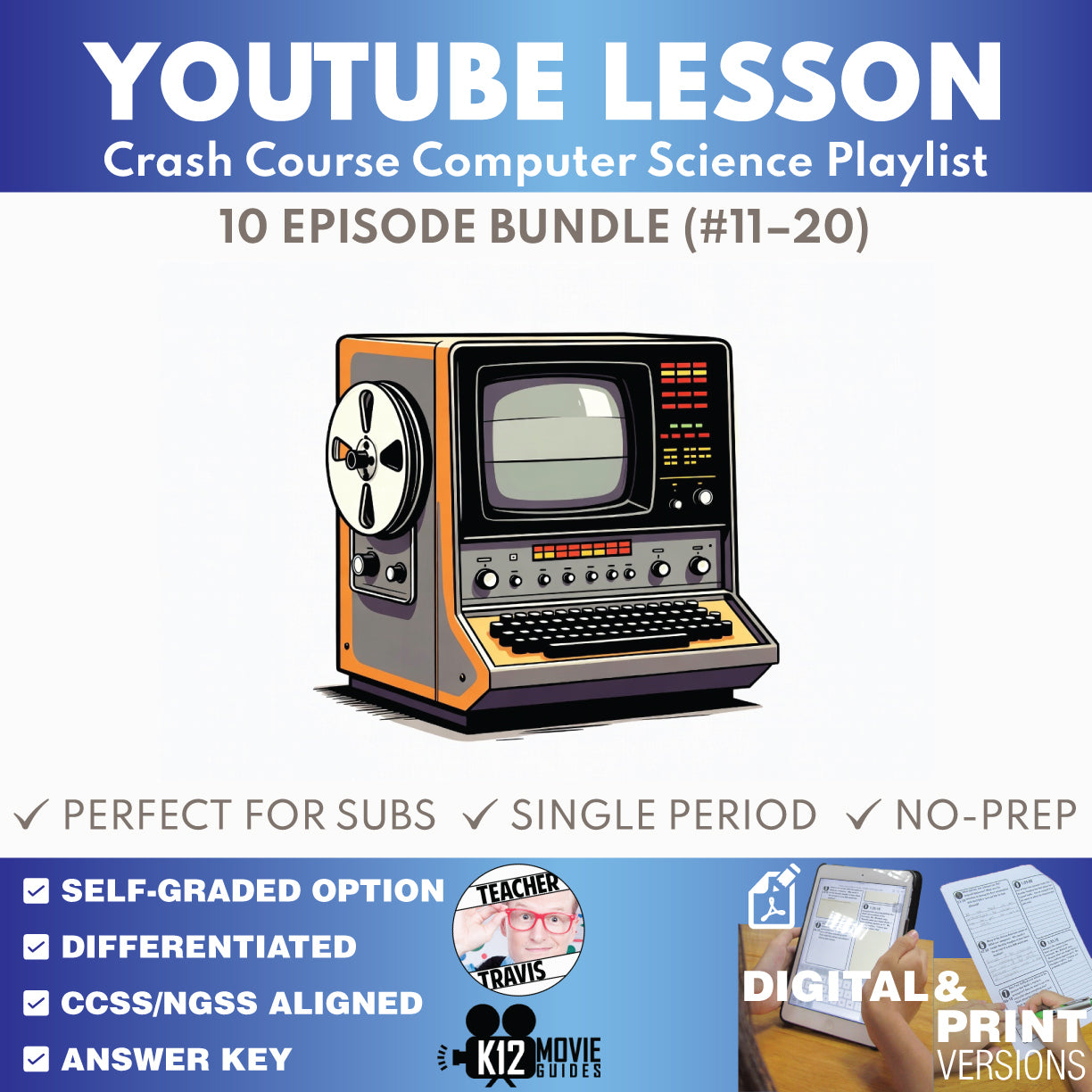
10 ready-to-use Crash Course Computer Science episode lessons for grades 9–12 focused on programming, algorithms & computer systems, with teacher guides, student worksheets, answer keys, self-graded Google Forms quizzes, and print/digital options.
- Resource type
- YouTube Video Lesson Bundle
- Grade band
- Grades 9–12
- Rating
- Not Rated
- Time required
- Flexible: 20–45 Minutes per Episode
- Prep level
- No Prep
- Subject
- Science
- Classroom use
- Sub Plans Review Whole-Class Instruction Flipped Classroom Independent Work
- Includes
- Teacher Guide Student Worksheet Answer Key Google Forms Quiz Google Slides/PPTX Start Here PDF
- Tech format
- PDF Google Slides Google Forms Google Docs PPTX
Make computer science easier to teach with this no-prep 10-episode YouTube video lesson set for Crash Course Computer Science. This bundle gives students a structured way to follow fast-paced computing videos with vocabulary support, chronological written-response questions, end-of-video synthesis, multiple-choice review, and teacher-ready answer keys.
FREE CURRICULUM SNEAK PEEK: Download the free Crash Course Computer Science Full Curriculum Educator Planning Guide to preview the complete 10-week pacing, 3-unit structure, weekly/unit/final assessment rhythm, Week 10 final-assessment plan, and implementation guidance.
This 10-episode set focuses on programming languages, statements and functions, algorithms, data structures, Alan Turing, software engineering, integrated circuits, operating systems, memory and storage, and file systems. Each lesson helps students explain computing systems and concepts using specific evidence from the episode rather than passively watching the video.
Use these lessons for whole-class video instruction, sub plans, review, flipped classroom assignments, enrichment, make-up work, or independent study. Each episode is designed to reduce prep time while keeping students accountable for vocabulary, written reasoning, and conceptual understanding.
Try one before you buy a bundle: Start with the free sample lesson, #1 Early Computing - Crash Course Computer Science.
Want the complete 40-episode curriculum? This product is part of the Crash Course Computer Science Complete Full Curriculum, which adds all four episode bundles, W01-W09 weekly assessments, U01-U03 unit assessments, a cumulative Final, Educator Planning Guide, and Student Syllabus.
Episodes Included
- #11 The First Programming Languages
- #12 Programming Basics - Statements & Functions
- #13 Intro to Algorithms
- #14 Data Structures
- #15 Alan Turing
- #16 Software Engineering
- #17 Integrated Circuits & Moore's Law
- #18 Operating Systems
- #19 Memory & Storage
- #20 Files & File Systems
Classroom Use at a Glance
- Best Fit: grades 9-12 computer science, STEM, technology, computing-history, and introductory computing courses
- Resource Type: YouTube video lesson worksheets, teacher guides, answer keys, and self-grading quizzes
- Prep Level: No-prep digital and printable lesson support
- Teacher Use: whole-class instruction, sub plans, flipped lessons, review, enrichment, make-up work, or independent study
- Time: Flexible use, typically 20-45 minutes per episode depending on how many written-response and discussion components are assigned
Guidance & Summary
- Each lesson is built around one Crash Course Computer Science episode and gives students a structured way to follow the video from beginning to end.
- Four chronological time-stamped A/B questions focus attention on important explanations and examples as they appear in the episode.
- Two end-of-video A/B questions ask students to synthesize ideas after viewing.
- Teacher Guides include learning targets, computing-thinking focus, misconceptions, standards support, discussion prompts, vocabulary, answer keys, and model-answer guidance.
Differentiation Options
- Use the Student Worksheet for guided viewing and written-response accountability.
- Use the 10-question multiple-choice quiz for quick review, formative assessment, Google Forms practice, or absent-student make-up work.
- Assign selected questions for shorter periods or use the full lesson for deeper discussion and explanation.
- Support mixed-ability classrooms with vocabulary preview, replay of difficult sections, partner discussion, or selected answer-key review.
What's Included
- 10 Teacher Guides for Crash Course Computer Science
- 10 digital Student Worksheet sets
- 10 print-friendly Student Worksheet sets
- 10 self-graded Google Forms multiple-choice quizzes
- 10 Multiple Choice Quiz Print versions
- Teacher answer keys and model-answer support
- 5 vocabulary terms, 4 chronological time-stamped A/B questions, 2 end-of-video A/B synthesis questions, and a 10-question MC quiz per episode
- Start Here PDF with shared-folder access instructions after purchase
Flexible Lesson Pacing
- Quick Use: Assign the video with the multiple-choice quiz for a short review, sub plan, or independent check for understanding.
- Standard Lesson: Use the guided worksheet during viewing, then review selected questions as a class.
- Extended Lesson: Add vocabulary preview, discussion prompts, written response, and comparison across episodes or computing concepts.
Skills Addressed
- Explaining how programming languages organize instructions
- Comparing algorithms and data structures
- Connecting software engineering to reliable system design
- Explaining how operating systems, memory, storage, and file systems organize computing resources
- Using specific evidence from an explanatory video to support a concise technical explanation
- Using computer-science vocabulary accurately in context
Frequently Asked Questions
Are the Crash Course videos included?
No. Videos are not included. This product provides classroom-ready materials designed for use with the publicly available Crash Course Computer Science videos.
Can I use this for sub plans?
Yes. Each lesson is structured so students can watch the video and complete guided questions or a quiz with minimal teacher preparation.
Can I use this with Google Classroom?
Yes. The workflow includes Google-native student materials and self-graded Google Forms quiz support, along with printable options.
What grade levels is this best for?
This resource is designed for grades 9-12 computer science, STEM, technology, and introductory computing courses.
Does this bundle include the weekly, unit, and final assessments?
No. This is an episode-only bundle. The separate Complete Full Curriculum includes all four 10-episode bundles plus W01-W09 weekly assessments, U01-U03 unit assessments, the cumulative Final, Educator Planning Guide, and Student Syllabus.
Is this an official Crash Course product?
No. This independent educator-created resource is not affiliated with or endorsed by Crash Course or Complexly. It provides teacher-created classroom materials designed for use with publicly available Crash Course videos.
Need other Crash Course or YouTube-ready lessons? Browse the K12 Movie Guides digital library.
Share