
K12MovieGuides
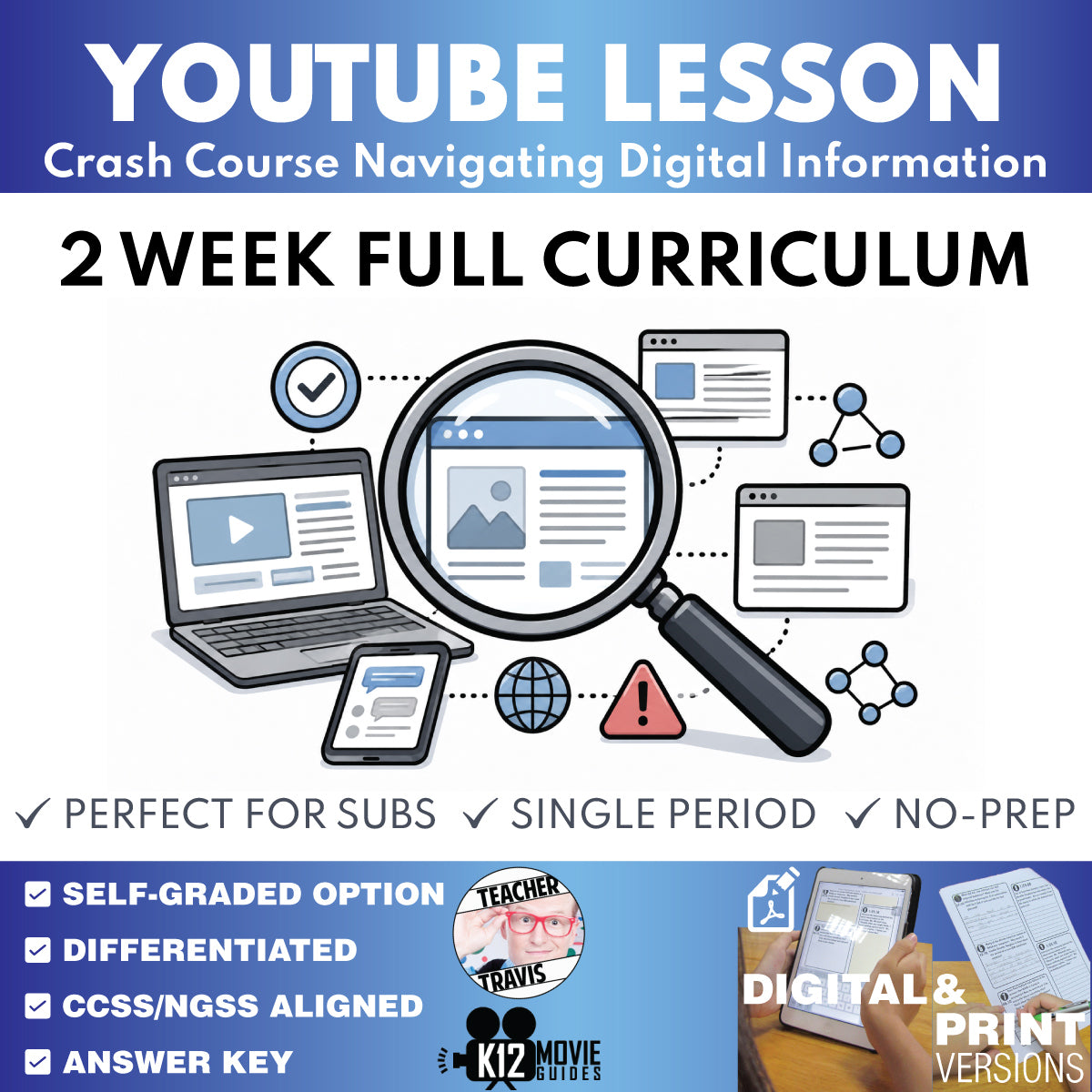
Crash Course Navigating Digital Information Complete Full Curriculum | 2 Weeks
Crash Course Navigating Digital Information Complete Full Curriculum | 2 Weeks
Couldn't load pickup availability
Classroom Use at a Glance
Complete 2-week Crash Course Navigating Digital Information curriculum for grades 9–12 with 10 episode lesson sets, 2 weekly assessments, 1 culminating unit assessment, Educator Planning Guide, Student Syllabus, answer keys, and print/digital classroom support.
- Resource type
- Full Curriculum Bundle
- Grade band
- Grades 9–12
- Rating
- Not Rated
- Time required
- 2-Week Curriculum; Flexible Pacing
- Prep level
- Curriculum Planning
- Subject
- ELA
- Classroom use
- Full Curriculum Video-Based Instruction Assessment Review Google Classroom Assignment Flexible Pacing
- Includes
- Teacher Guides Student Worksheets Answer Keys Weekly Assessments Unit Assessments Educator Planning Guide Student Syllabus Google Forms Quiz Google Slides Printable PDFs Start Here PDF
- Tech format
- Printable PDF Google Docs Google Slides PowerPoint/PPTX Google Forms Google Classroom Ready ZIP File
Teach the complete Crash Course Navigating Digital Information sequence with one organized two-week supplemental media- and information-literacy curriculum for grades 9-12.
FREE CURRICULUM SNEAK PEEK: Download the free Crash Course Navigating Digital Information Full Curriculum Educator Planning Guide.
Try an actual lesson free: FREE #1 Introduction to Digital Information lesson.
The Full Curriculum combines all 10 episode lesson sets with two weekly assessment banks, one culminating Unit Assessment, the Educator Planning Guide, and Student Syllabus. Students build a repeatable verification routine for deciding whether online information is strong enough to believe, use, or share.
New Optional Video Companion (used with YouTube)
Use the free Classroom Video Guide Companion Chrome extension to automatically pause YouTube at question timestamps and display prompts during viewing. This can simplify whole-class, small-group, and independent facilitation, but every curriculum resource works normally without the extension.
What's Included
- 10 individual Crash Course Navigating Digital Information episode lesson sets
- Teacher Guide, digital/print Student Worksheet, Google Forms quiz, and MC Quiz Print ecosystem for every episode
- 2 weekly assessment sets: W01 and W02
- 1 cumulative Unit Assessment: U01
- Digital Student Assessment and print Student Assessment versions for W01, W02, and U01
- Self-graded Google Forms and MC Quiz Print versions for W01, W02, and U01
- Educator Planning Guide
- Student Syllabus
- Print and digital classroom-use options
2-Week Course Structure
- Week 1 | Episodes #1-#5 | Verification Foundations: information quality, fact checking, lateral reading, authority/perspective, and Wikipedia.
- Week 2 | Episodes #6-#10 | Evidence Across Digital Environments: evidence and causation, photos/video/deepfakes, data/infographics, search and click restraint, and social media.
- Unit 1 | Episodes #1-#10: Navigating Digital Information: Verification, Evidence & Online Judgment.
Assessment System
All three assessments are flexible item banks rather than mandatory one-period tests.
- W01: Episodes #1-#5; 12 vocabulary terms, 10 A/B written-response questions, 30 multiple-choice questions.
- W02: Episodes #6-#10; 12 vocabulary terms, 10 A/B written-response questions, 30 multiple-choice questions.
- U01: Episodes #1-#10; 15 vocabulary terms, 12 A/B written-response questions, 40 multiple-choice questions.
There is no separate Final Assessment in this two-week curriculum; U01 is the culminating course assessment.
Flexible Classroom Use
- Teach Episodes #1-#5 Monday-Friday and assign W01 over the weekend; repeat for Week 2, then give U01 the following Monday.
- Skip formal weekly assessments and use only U01 over the second weekend or on the following Monday.
- Assign selected vocabulary, written, or MC items from W01/W02 as short retrieval checks while reserving U01 as the primary formal assessment.
- Add dedicated assessment days in block schedules or longer calendars without inventing extra instructional lessons.
What Students Practice
- Stating the exact claim before judging it
- Investigating who is behind information and why that matters
- Inspecting evidence and tracing it to original context
- Reading laterally across outside sources
- Distinguishing correlation from causation
- Verifying images, video, statistics, charts, and citations
- Using click restraint in search
- Evaluating algorithmically shaped social-media information before sharing
Print and Digital Options
- Google Forms self-graded multiple-choice quizzes
- Digital Student Worksheets and Student Assessments
- Print-friendly Student Worksheets and Student Assessments
- Multiple Choice Quiz Print versions
- Teacher Guides with answer keys and instructional support
Prefer the Episode-Only Bundle?
Frequently Asked Questions
Are the Crash Course videos included?
No. This product provides independent, educator-created classroom materials designed for use with publicly available Crash Course Navigating Digital Information videos. Teachers and students access the videos separately.
Does this include all 10 individual episode lesson sets?
Yes. The Full Curriculum includes the complete #1-#10 episode lesson ecosystem plus W01, W02, U01, the Educator Planning Guide, and Student Syllabus.
Do I have to give both weekly assessments?
No. W01 and W02 are flexible banks. Teachers may assign them as weekend homework, use selected sections, keep them for intervention/review, or skip them and rely on U01.
Is there a separate final exam?
No. U01 is the culminating assessment for this compact one-unit course.
Can I use this with Google Classroom or in print?
Yes. The curriculum supports Google-native digital use and print-friendly classroom workflows.
Can this work for summer school, credit recovery, or long-term substitute plans?
Yes. The compact two-week architecture and selectable assessment banks work well for regular instruction, compressed programs, intervention, independent work, credit recovery, and substitute coverage.
Does this replace a district's complete ELA or media-literacy curriculum?
This is a structured supplemental curriculum built around the Crash Course Navigating Digital Information video sequence. Teachers should adapt pacing, research tasks, writing requirements, and assessment use to local standards and course expectations.
Is this an official Crash Course product?
No. This independent educator-created resource is not affiliated with, endorsed by, sponsored by, or authorized by Crash Course, Complexly, YouTube, or related rights holders. Video and playlist titles are used only to identify the publicly accessible material studied.
Share