
K12 Movie Guides
FREE Crash Course #01 Intro to Navigating Digital Information | YouTube Video Lesson
FREE Crash Course #01 Intro to Navigating Digital Information | YouTube Video Lesson
Couldn't load pickup availability
Classroom Use at a Glance
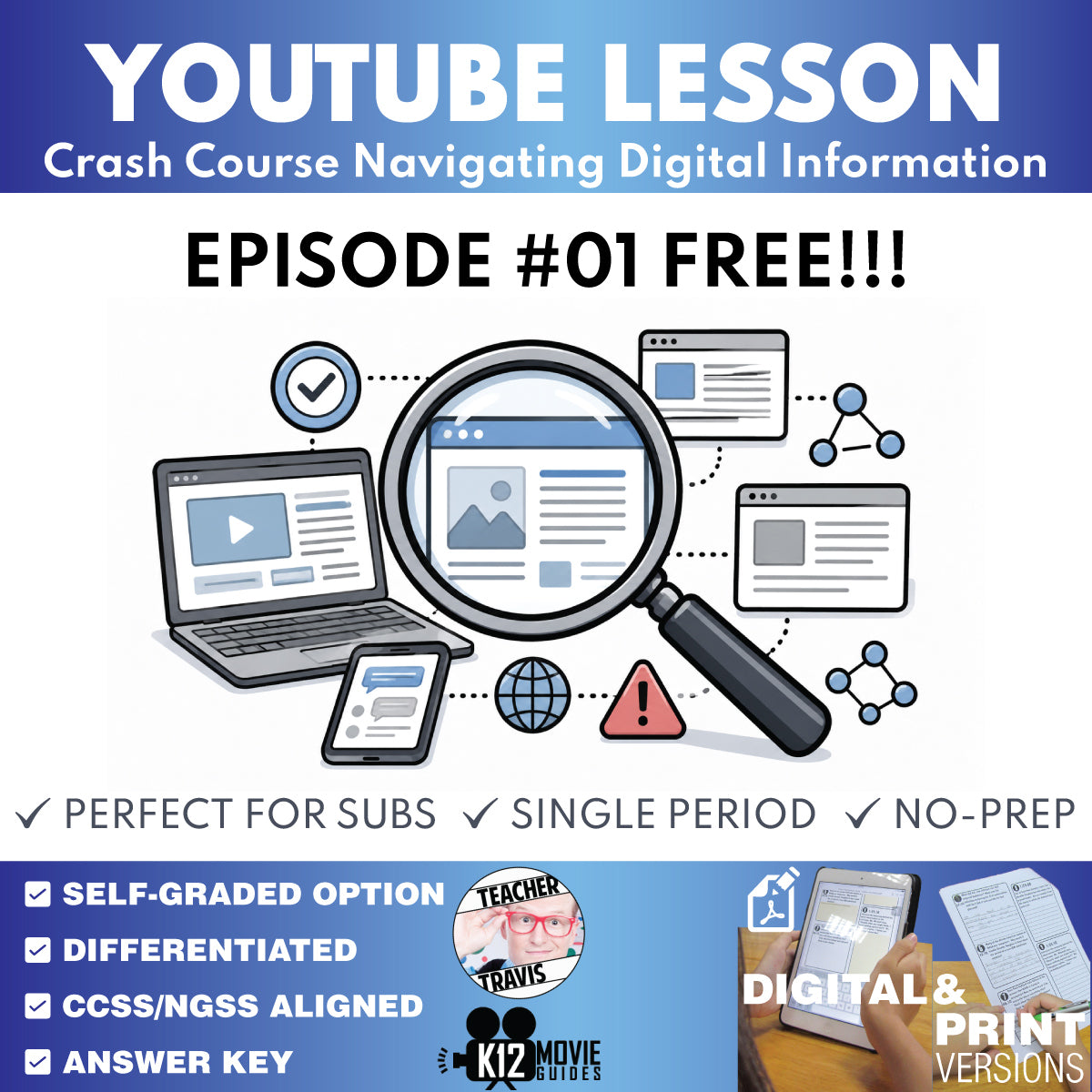
FREE Episode #1 sample lesson demonstrating the same guided-viewing, written-response, quiz, and teacher-support workflow used throughout the paid lesson set and full curriculum.
- Resource type
- YouTube Video Lesson
- Grade band
- Grades 9–12
- Rating
- Not Rated
- Runtime
- Approx. 13 minutes
- Time required
- About 20-45 minutes per episode
- Prep level
- No Prep
- Subject
- ELA
- Classroom use
- Sub Plans Review Whole-Class Instruction Flipped Classroom Independent Work
- Includes
- Teacher Guide Student Worksheet Answer Key Google Forms Quiz Google Slides/PPTX Start Here PDF
- Tech format
- PDF Google Slides Google Forms Google Docs PPTX
Try the Crash Course Navigating Digital Information lesson system free with Episode #1: Introduction to Digital Information.
FREE CURRICULUM SNEAK PEEK: Download the free Crash Course Navigating Digital Information Full Curriculum Educator Planning Guide to preview the complete 2-week pacing, one-unit structure, W01/W02 weekly assessments, Unit Assessment, flexible scheduling, and implementation guidance.
This no-prep Grades 9-12 sample helps students follow a fast-paced digital-information lesson with structured vocabulary, chronological questions, evidence-based written response, multiple-choice review, and teacher-ready answer support.
Use it for whole-class video instruction, a sub plan, media-literacy practice, review, make-up work, or independent study.
New Optional Video Companion (used with YouTube)
Use the free Classroom Video Guide Companion Chrome extension to automatically pause YouTube at question timestamps and display prompts during viewing. The lesson works normally without the extension.
What's Included
- Teacher Guide with learning targets, misconceptions, standards support, discussion prompts, vocabulary, answer keys, and model-answer guidance
- 5 vocabulary terms
- 4 chronological time-stamped A/B questions
- 2 end-of-video A/B synthesis questions
- 10-question multiple-choice quiz
- Self-graded Google Forms quiz
- Digital Student Worksheet
- Print-friendly Student Worksheet
- Multiple Choice Quiz Print version
- Start Here PDF with access instructions
Want all ten episodes? Crash Course Navigating Digital Information #1-#10 Video Lesson Set
Want the assessments and course-planning layer too? Crash Course Navigating Digital Information Complete Full Curriculum
Frequently Asked Questions
Are the Crash Course videos included?
No. This independent resource is designed for use with the publicly available Crash Course Navigating Digital Information videos.
Is this an official Crash Course product?
No. This teacher-created resource is not affiliated with or endorsed by Crash Course or Complexly.
Share